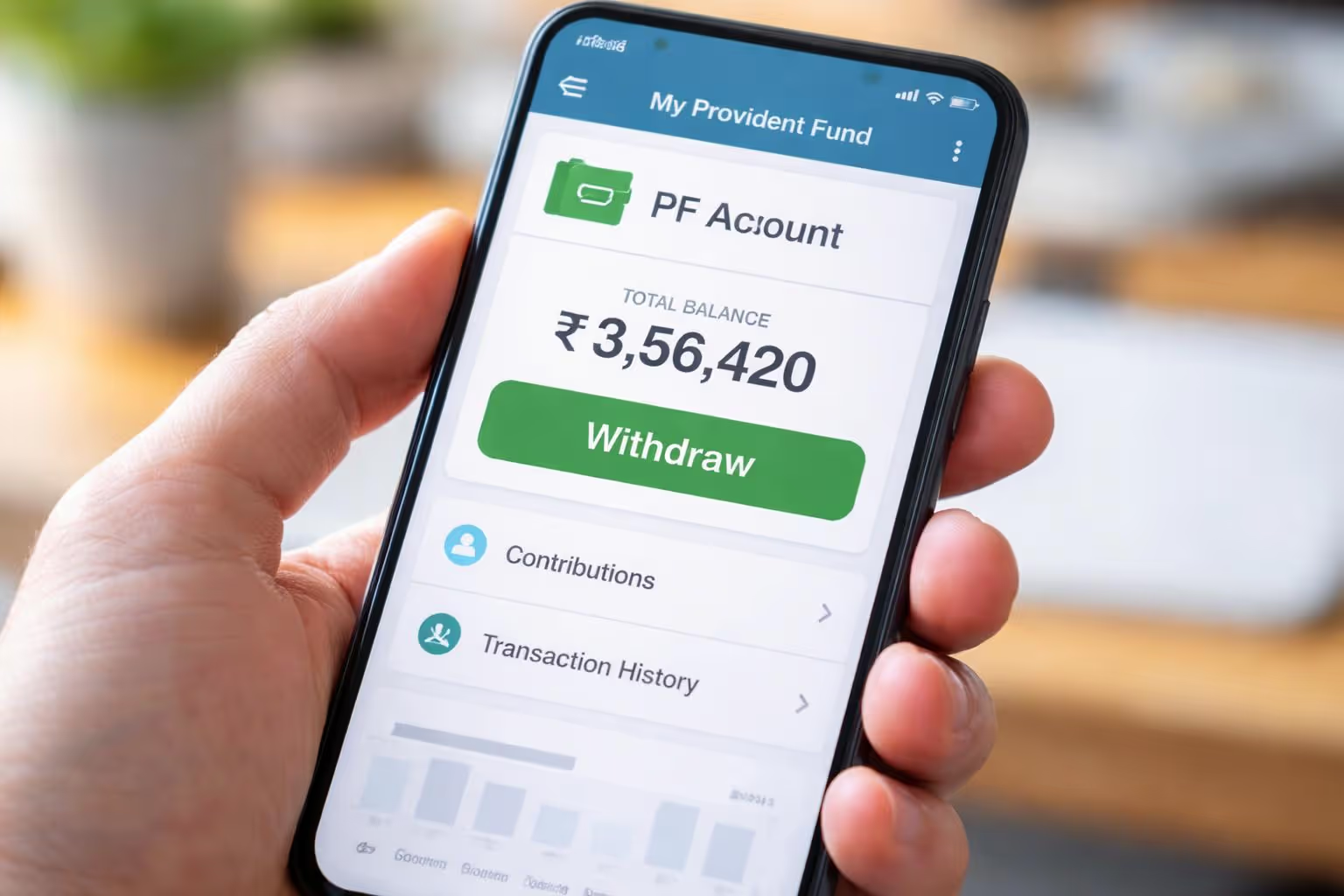
Introduction
The Employees' Provident Fund (EPF) is one of India's most popular retirement savings schemes for salaried employees. Every month, a portion of your salary is deposited into your EPF account, and your employer also contributes as per applicable rules.
You may need money for a medical emergency, purchasing a home, higher education, marriage expenses, or after leaving your job. EPFO permits eligible members to withdraw all or a portion of their PF balance under specific circumstances, as per regulations.
The good news is that PF withdrawal is now largely an online process. If your Universal Account Number (UAN) is active and your KYC details are verified, you can submit your claim through the EPFO Member Portal without visiting an EPFO office.
Everything you need for a smooth online PF withdrawal in 2026 is in this guide, detailing eligibility, necessary items, tax effects, and more.
What does EPF stand for?
Under the 1952 Employees' Provident Funds and Miscellaneous Provisions Act, the EPFO oversees the Employees' Provident Fund (EPF) retirement benefit scheme.
The scheme encourages long-term savings by requiring eligible employees and employers to make monthly contributions. These contributions accumulate over time and earn interest declared by EPFO.
The primary objective of EPF is to provide financial security after retirement. However, the scheme also allows withdrawals under specific circumstances before retirement, subject to the applicable rules.
Key Features of EPF
Government-administered retirement savings scheme.
Monthly contributions from eligible employees and employers.
EPF accounts are credited with annual interest.
The Member Portal facilitates the management of your EPFO account.
Facility to transfer PF when changing jobs.
Partial withdrawals are acceptable under specific circumstances.
Full withdrawal allowed under eligible conditions.
What makes EPF important?
Many people think of EPF as just another salary deduction. In reality, it serves as a disciplined savings mechanism that can support long-term financial goals.
Some key benefits include:
Retirement Security
EPF helps create a retirement corpus that can provide financial support after your working years.
Compounding Growth
The balance earns interest every year, allowing savings to grow over time through the power of compounding.
Emergency Support
Eligible members may withdraw a portion of their PF balance for specific needs such as medical treatment, home purchase, or education.
Tax Benefits
Depending on your circumstances and prevailing tax laws, EPF contributions and withdrawals may qualify for certain tax benefits.
Reasons for PF Withdrawal
Although EPF is intended for retirement, there are situations where withdrawing funds may become necessary.
Common reasons include:
Medical Emergency
Medical treatment for yourself or eligible family members can involve significant expenses. EPFO permits withdrawals for eligible medical purposes.
Purchasing or Constructing a House
Members meeting the required conditions may withdraw part of their PF balance for buying land, purchasing a house, constructing a home, or repaying a home loan.
Marriage
EPFO allows eligible members to withdraw funds for their own marriage or that of certain family members, subject to prescribed conditions.
Higher Education
Partial withdrawals may also be permitted to finance higher education for yourself or eligible dependents.
Retirement
Upon fulfilling the applicable retirement conditions, members may apply for final settlement of their PF account.
Sustained joblessness
If unemployed for the required time, people might take out their PF balance following EPFO guidelines.
Can I take out my PF while still working?

This question is asked quite often.
The response is yes, provided that specific conditions apply.
If you are currently employed, you generally cannot withdraw your entire PF balance. However, EPFO allows partial withdrawals (also called PF advances) for approved purposes such as:
Medical treatment
Purchase of a house
House construction
Home loan repayment
Marriage
Higher education
Disability-related expenses
Certain other approved situations
The amount you can withdraw depends on factors such as the purpose of withdrawal, your service period, and the applicable EPFO rules.
PF Withdrawal Regulations 2026
Knowing the newest PF withdrawal rules is key before you submit an online claim.
The most crucial lessons include:
The UAN function is operational.
The UAN needs to be active.
Identity verification process(KYC)
Please verify your Aadhaar, bank account, PAN (when needed), and other KYC stuff.
Aadhaar-Based Authentication
Most online claims require OTP verification through the mobile number linked with Aadhaar.
Correct Employment Details
Your employment records, including the date of exit (if applicable), should be updated correctly.
Eligible Withdrawal Purpose
The claim must meet the conditions prescribed by EPFO for the selected withdrawal purpose.
Digital Claim Processing
EPFO continues to enhance its digital claim settlement process, enabling faster processing for eligible online claims and reducing paperwork through centralized digital services.
Who has the authority to take out PF funds?

Your eligibility depends on your employment status and the purpose of withdrawal.
Generally, the following categories of members may be eligible:
Employees retiring from service.
Members leaving employment and meeting applicable conditions.
Individuals facing long-term unemployment, as per EPFO rules.
Members requiring funds for approved medical treatment.
Individuals purchasing or constructing a house, subject to eligibility.
Members are repaying a home loan as per the relevant regulations.
Individuals funding higher education.
Members meeting the conditions for marriage-related withdrawals.
Eligible members permanently relocating abroad.
Meeting one of these situations does not automatically guarantee approval. EPFO verifies the claim against the applicable rules before processing it.
Partial PF Withdrawal vs Full PF Withdrawal
Understanding the difference between a partial withdrawal and a full withdrawal is essential before applying.
Choosing between a partial and full withdrawal depends on your financial needs and eligibility. If you are changing jobs, transferring your PF account instead of withdrawing it may help preserve your retirement savings.
MoneyVEGA Insight
Think of your Provident Fund like planting a mango tree.
If you pluck the fruits only when needed, the tree continues to grow and provides harvests for years. But if you cut down the tree early, you lose the benefit of future growth.
Similarly, withdrawing your PF frequently may reduce the long-term value of your retirement savings. Whenever possible, evaluate whether transferring your PF to your new employer better supports your long-term financial goals.
Documents Required for PF Withdrawal
Before submitting your online PF withdrawal application, make sure all your details are updated in the EPFO records. Missing or incorrect information is one of the biggest reasons why PF claims are delayed or rejected.
Checklist Before Applying
Documents You May Need
Although most online claims are paperless, keep the following documents ready for reference:
Aadhaar Card
PAN Card
Bank Passbook or Cancelled Cheque
UAN Number
Salary Slip (if required)
Employer Details
Registered Mobile Number
Keeping these documents ready can make the application process smoother.
Kindly explain the complete form of UAN.
A UAN, representing a unique identification number, is issued to every EPF member.
Your PF account number will remain the same indefinitely.A UAN usually persists through various job changes, allowing for the linking of new PF member IDs.
Advantages of UAN
Go online to manage your PF account.
You have continuous access to your PF balance.
Retrieve your Employees' Provident Fund passbook.
Kindly proceed with the online submission of your Provident Fund withdrawal claims.
It is imperative to arrange for your PF transfer subsequent to a change in employment.
Update your KYC info.
Verify the status of your claim.
Guide on UAN activation
Without an activated UAN, you will be unable to utilize numerous EPFO online services.
Level 1
You are invited to navigate to the official EPFO Member Portal for all your account needs.
Level 2
Press the Activate UAN button.
Level 3
Enter your:
UAN
Aadhaar Number
PAN (if required)
Name
Date of Birth
Mobile Number
Level 4
Verify the OTP received on your registered mobile number.
Level 5
Create a password.
Your UAN is now activated and ready for use.
Why KYC Verification Is Important
KYC (Know Your Customer) helps EPFO verify your identity and banking details before processing your claim.
You might not be able to withdraw without completing KYC verification.
Verify the Following Details
Aadhaar
Your name, date of birth, and gender should match your Aadhaar records.
PAN
PAN verification may be necessary depending on your claim and tax requirements.
Bank Account
Ensure that:
Account number is correct.
IFSC code is correct.
Your bank account is ready for use.
The bank records have your name on them.
Mobile Number
The registered mobile number should remain active because OTP verification is required during claim submission.
How to Withdraw PF Online, Step by Step
Through the EPFO Member Portal, eligible members can conveniently submit PF withdrawal requests online, eliminating the need to visit an EPFO office.
To keep going, just hop onto the EPFO Member Portal.
Use your:
UAN
Password
Captcha
Your dashboard will be accessible once you log in.
Next, you are required to complete your Know Your Customer verification.
Navigate to:
Manage → KYC
Confirm that:
Aadhaar is approved.
PAN has been confirmed.
Approval has been granted for your bank account.
If any item shows "Pending," wait until it is verified before applying.
Confirm your profile as the third step.
Go to your profile and verify the following:
The name is right.
The date of birth is accurate.
Father's or spouse's name is accurate.
The joining date is accurate.
The applicable exit date has been modified.
Even a small mismatch can delay claim processing.
Go to Online Services in Step 4.
Under the top menu, click:
The Online Services section covers claims through Form 31, Form 19, and Form 10C.
The online claim page can be accessed from here.
Confirming your bank account is the fifth step in this process.
Account information required for verification.
This account is where the EPFO sends your approved PF sum.
What kind of claim will you make?
Pick the claim type that you are eligible for.
Common options include:
To withdraw PF partially, Form 31 is needed.
Form 19 concerning Final Settlement
Withdrawal Benefit can be claimed using Form 10C
Monthly Pension Application (Form 10D) for Qualified Persons
Select only the form applicable to your situation.
Enter the Required Information
Depending on the claim type, you may need to provide:
Purpose of withdrawal
Amount (where applicable)
Current address
Additional declarations
Review every field carefully before proceeding.
Upload Supporting Documents (If Required)
Some claim types may require additional supporting documents.
Ensure that uploaded documents are:
Clear
Readable
Valid
Complete
Blurry or incomplete uploads can delay verification.
Authenticate Using Aadhaar OTP
EPFO sends an OTP to your Aadhaar-linked mobile number.
Enter the OTP to digitally sign and authenticate your claim.
Submit Your Claim
Once submitted successfully, a Claim Reference Number is generated.
Save this number to track your application status.
How to Withdraw PF Using the UMANG App
If you prefer using a smartphone, you can also apply through the UMANG app.
Steps
Install the UMANG App.
Register using your mobile number.
Open EPFO Services.
Log in with your UAN.
Authenticate using OTP.
Select Raise Claim.
Verify KYC.
Choose the applicable claim type.
Submit the application.
The process is similar to the EPFO Member Portal and offers a convenient mobile experience.
How Long Does PF Withdrawal Take?
The processing time depends on factors such as:
Claim type
KYC verification
Accuracy of submitted information
EPFO workload
Digitally verified claims are generally processed faster than claims requiring manual verification.
How to Check PF Claim Status
After submitting your application, you can track its progress online.
Method 1: EPFO Member Portal
Log in to your account and navigate to the claim status section.
Method 2: UMANG App
Open the app and select the claim status option under EPFO services.
Method 3: EPFO Helpdesk
You may also use official EPFO support channels if you need assistance.
Common Mistakes That Delay PF Withdrawal
Many claims are delayed due to simple errors that can be avoided.
Aadhaar Name Mismatch
Your name should match exactly across your Aadhaar, UAN, and bank records.
Incorrect Bank Details
Even a single incorrect digit in your account number or IFSC code can cause delays.
PAN Not Linked
Where PAN is required, ensure it is linked and verified.
Date of Exit Not Updated
Final settlement claims generally require the date of exit to be updated in EPFO records.
Incomplete KYC
Always verify that Aadhaar, PAN (if applicable), and bank details are approved before applying.
Choosing the Wrong Claim Form
Selecting an incorrect form may result in rejection or additional processing time.
Frequently Asked Questions (FAQs)
1. What is Employee provident funds?
PF withdrawal is the process of withdrawing money from your Employees' Provident Fund (EPF) account. Depending on your eligibility and the purpose, you may be able to make either a partial or full withdrawal through the provident fund organisation.
2. Can I process my EPF withdrawal process digitally?
Yes. Eligible EPF members can apply for PF withdrawal online through the EPFO Member Portal or the UMANG App after completing KYC verification.
3. What documents are required for PF withdrawal?
Generally, you should have:
Active UAN
Aadhaar linked with UAN
Verified bank account
PAN (where applicable)
Registered mobile number
Approved KYC details
4. Is Aadhaar mandatory for PF withdrawal?
Yes. Aadhaar is generally required for identity verification and OTP-based authentication when submitting an online PF claim.
5. How do I check if my UAN is active?
You can verify your UAN status by logging into the EPFO Member Portal. If it is not activated, you can complete the activation process using your UAN and Aadhaar details.
6. Can I withdraw my PF while still working?
You may be eligible for a partial PF withdrawal while employed for specific purposes such as medical treatment, higher education, marriage, home purchase, or home loan repayment, subject to EPFO rules.
7. Can I withdraw my entire PF balance?
A full PF withdrawal is generally permitted only after meeting the applicable EPFO conditions, such as retirement or fulfilling the prescribed conditions after leaving employment.
8. What is the difference between partial and full PF withdrawal?
A partial withdrawal allows eligible members to withdraw a limited amount for approved purposes, while a full withdrawal is generally used for final settlement after meeting EPFO eligibility conditions.
9. Which form is used for PF withdrawal?
The commonly used EPFO forms are:
Form 31 – Partial PF withdrawal (advance)
Form 19 – Final PF settlement
Form 10C – Pension withdrawal benefit (eligible members)
Form 10D – Monthly pension claim (eligible members)
10. How long does PF withdrawal take?
The processing time depends on the type of claim, KYC verification, and EPFO procedures. Online claims with complete information are generally processed faster.
11. How can I check my PF withdrawal status?
You can track your claim through the EPFO Member Portal or the UMANG App using your claim reference number.
12. Why was my PF claim rejected?
Common reasons include incomplete KYC, Aadhaar mismatch, incorrect bank details, unverified PAN, incorrect claim form, or outdated employment records.
13. Can I update my bank account before applying for PF withdrawal?
Yes. You should update and verify your bank account details through the EPFO portal before submitting your claim.
14. Is PAN mandatory for PF withdrawal?
PAN may be required in certain situations, particularly where tax provisions apply. Keeping your PAN linked and verified is recommended.
15. Can I withdraw PF after changing my job?
Instead of withdrawing your PF, you may consider transferring your balance to the new employer's PF account if you continue to be covered under EPF.
16. What does UAN stand for?
UAN (Universal Account Number) is a unique number allotted to every EPF member. It allows you to manage all your PF accounts under one login.
17. Can I withdraw PF without employer approval?
For eligible online claims, employer approval may not be required in certain cases where all records and KYC are updated. However, the process depends on the applicable EPFO rules.
18. What is KYC in EPF?
KYC (Know Your Customer) is the verification of your Aadhaar, PAN, bank account, and other personal details to ensure secure processing of your EPF services.
19. How do I activate my UAN?
You can activate your UAN through the EPFO Member Portal by entering your UAN, Aadhaar details, registered mobile number, and completing OTP verification.
20. Can I withdraw PF through the UMANG App?
Yes. Eligible members can use the UMANG App to submit online PF withdrawal claims after completing the required authentication.
21. Is there any fee for withdrawing PF online?
No. EPFO does not charge members a fee for submitting an online PF withdrawal claim through its official platforms.
22. Can I submit multiple PF withdrawal claims?
The ability to submit multiple claims depends on the type of withdrawal, previous claims, and your eligibility under EPFO rules.
23. What happens if my PF withdrawal claim is rejected?
If your claim is rejected, review the reason provided by EPFO, correct the issue (such as KYC or bank details), and submit a fresh claim if applicable.
24. Can I withdraw PF for medical emergencies?
Yes. EPFO permits eligible members to apply for a partial PF withdrawal for specified medical treatment expenses, subject to applicable rules.
25. Can I withdraw PF for buying a house?
Eligible members may apply for a partial withdrawal for purchasing or constructing a house or repaying a home loan, depending on the applicable EPFO conditions.
26. Is PF withdrawal taxable?
The tax treatment of PF withdrawal depends on factors such as your period of service, the reason for withdrawal, and prevailing income tax provisions.
27. What is the minimum service period for PF withdrawal?
The required service period varies depending on the type of withdrawal and the purpose for which you are applying.
28. Can I cancel my PF withdrawal request?
If your claim has not yet been processed, you may need to contact EPFO to understand the available options. The possibility of cancellation depends on the stage of processing.
29. What should I do before applying for PF withdrawal?
Before applying:
Verify your KYC.
Check your bank details.
Ensure your Aadhaar is linked.
Confirm your UAN is active.
Review your employment records.
30. Should I withdraw or transfer my PF after changing jobs?
If you are joining another EPF-covered employer, transferring your PF balance may help maintain continuity of your retirement savings. Consider your long-term financial goals before deciding.